Frequently Asked Questions
Everything you need to know about sending, using, and
enjoying your gift card simple and stress-free.
Is this your card?
This website relates to the Mastercard Gift Card issued by Heritage Bank and managed by Blackhawk Network, as pictured below. If your card looks different, please check the back of your card for the correct contact details or website.
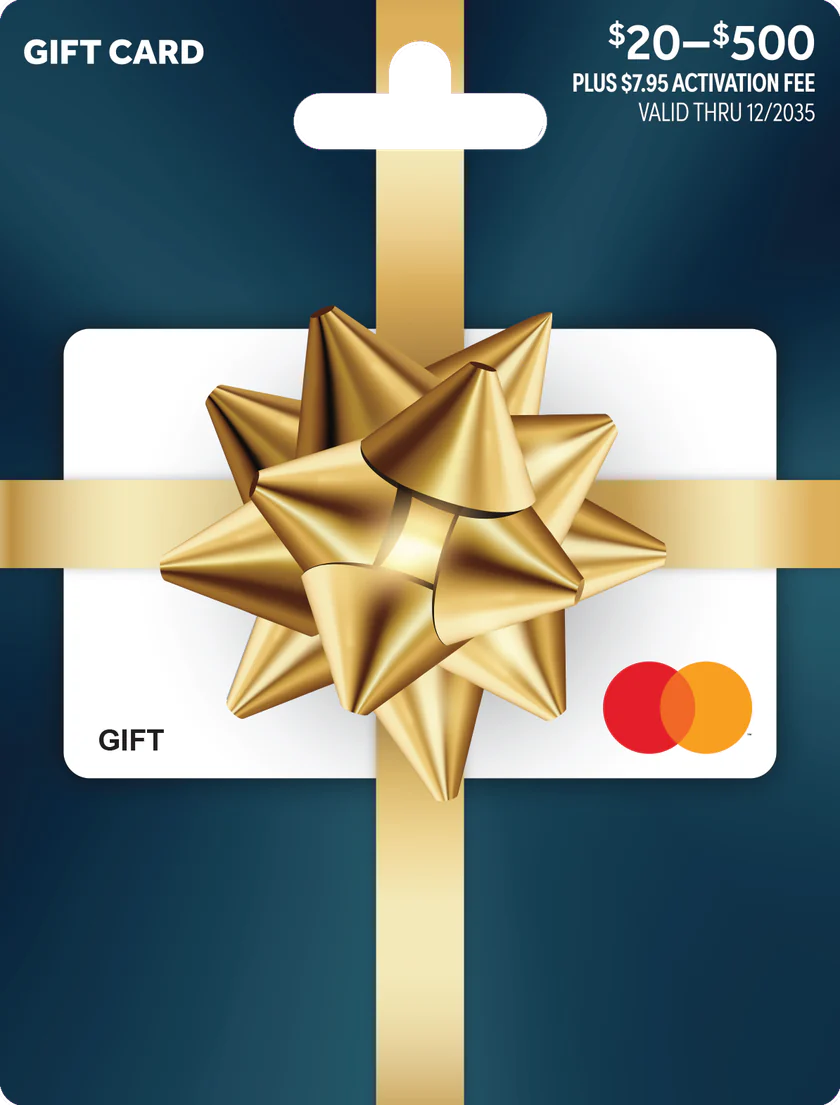
$20–$500 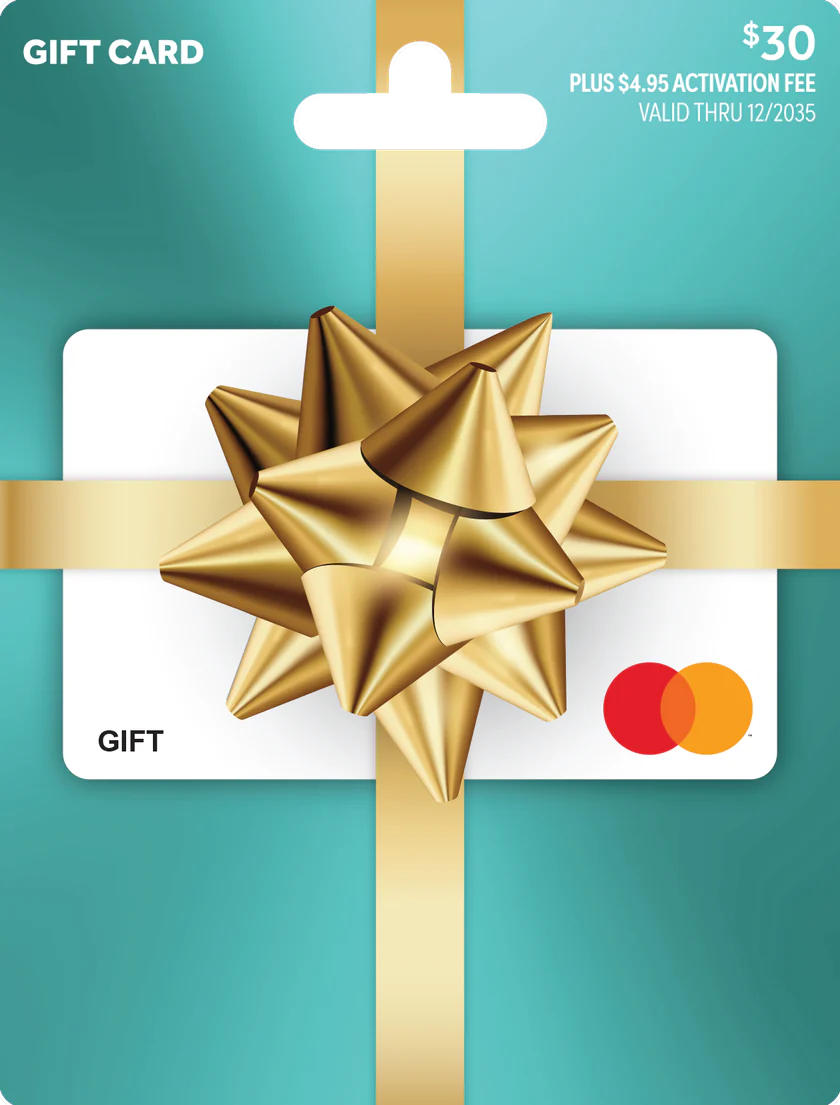
$30 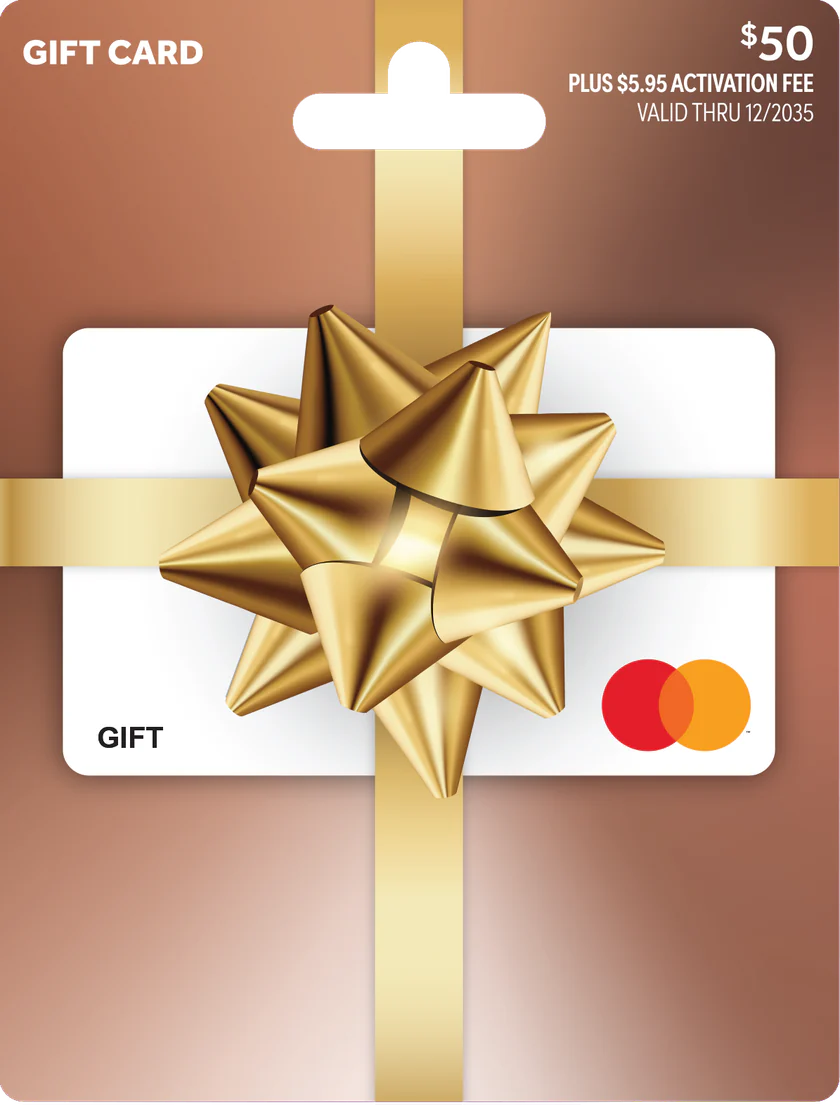
$50 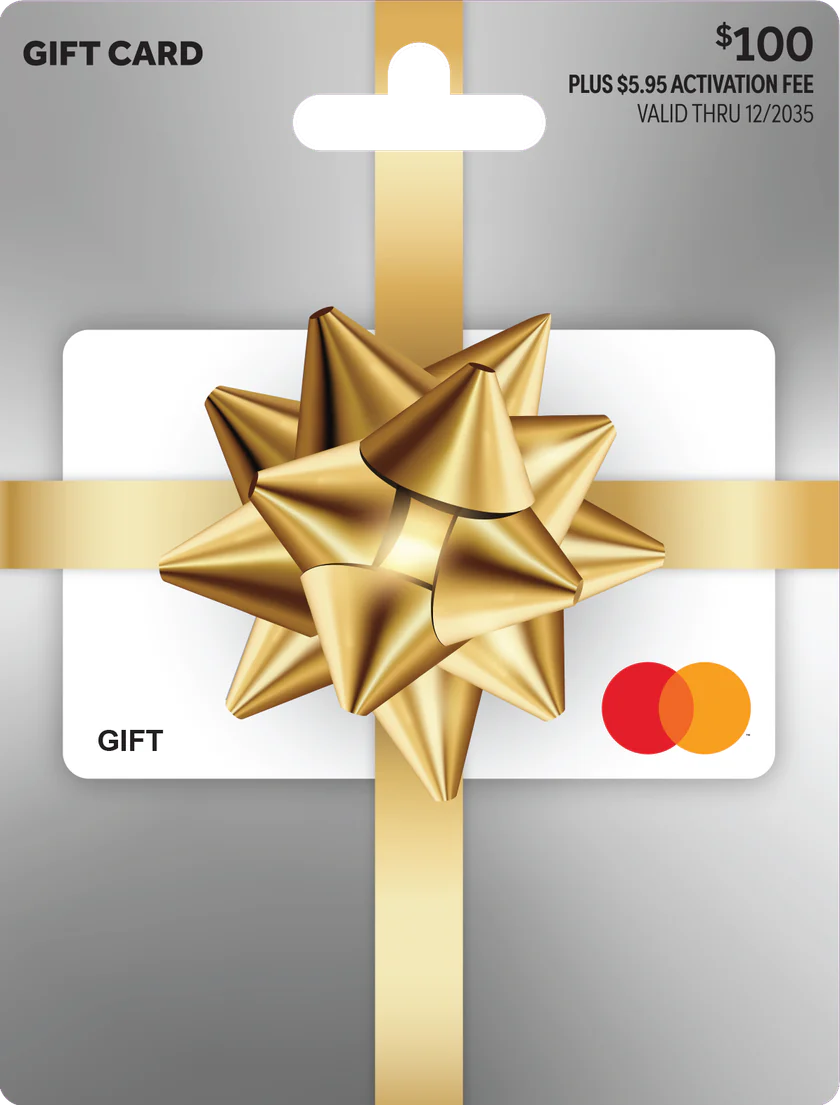
$100 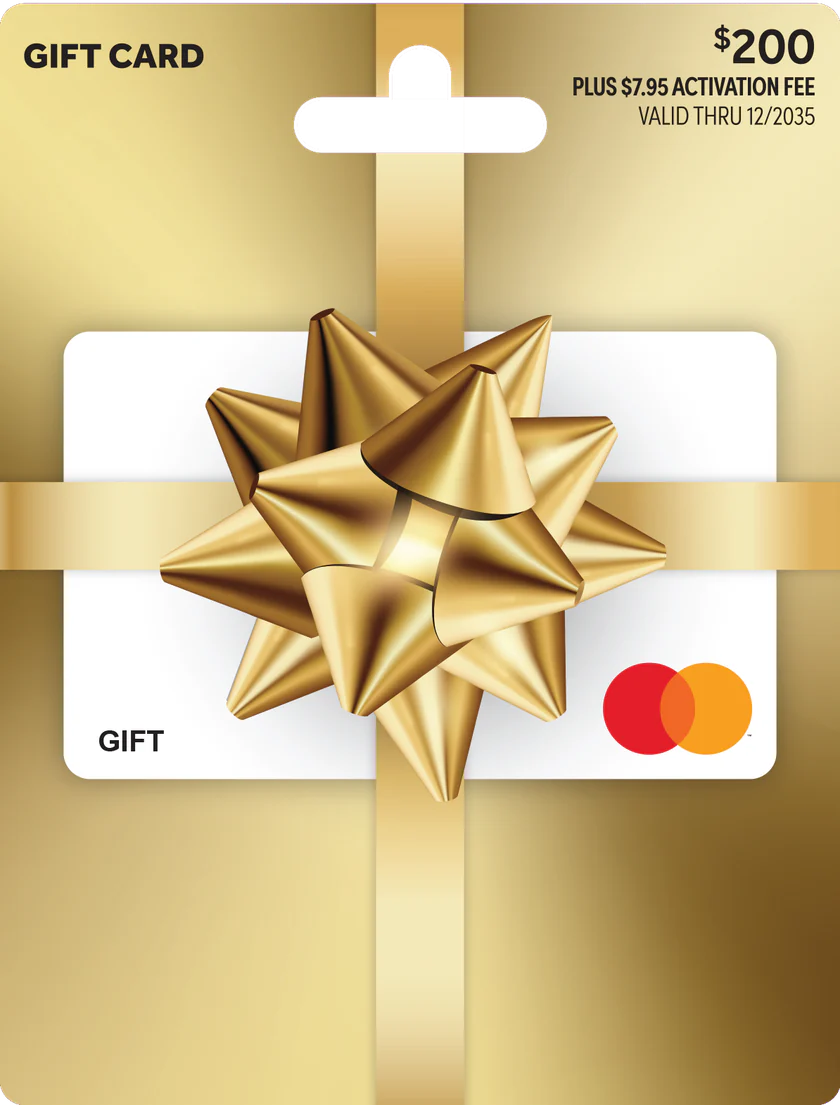
$200 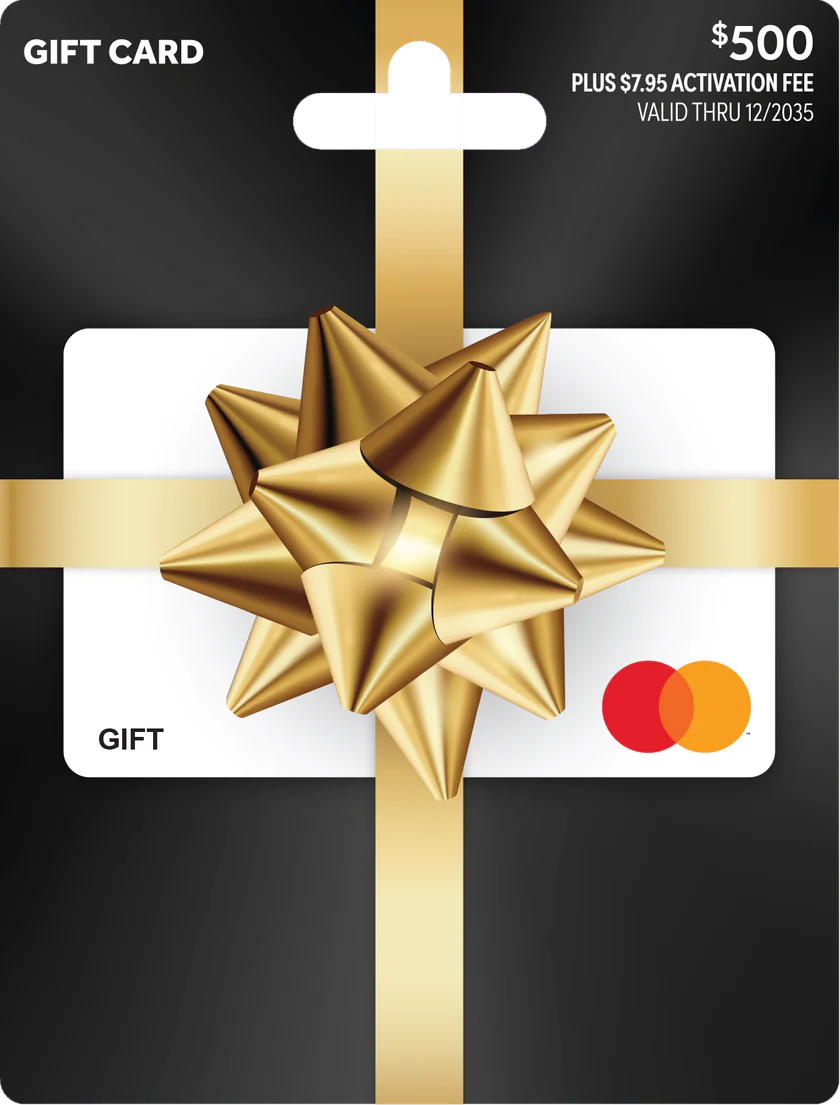
$500
All your questions. Answered.

Gift Mastercard is a prepaid gift card loaded with a set amount when it is purchased. You can use it anywhere Mastercard prepaid gift cards are accepted*, in-store or online.
Each purchase reduces your available balance. If you use the card overseas or in another currency, a currency conversion fee may also be deducted. Once the balance reaches zero, the card can no longer be used and cannot be reloaded.
You can use your Gift Mastercard where Mastercard prepaid gift cards are accepted in‑store and online*, in Australia and overseas (subject to any country or merchant restrictions).
Some merchants (both in‑store and online) may choose not to accept prepaid gift cards – this is their choice and is outside our control.
Some online merchants that require additional security verification (such as 3D Secure) may not process transactions using prepaid gift cards, as not all prepaid cards support these flows.
You can check your card balance and expiry:
- Online at giftmastercard.com.au by selecting “Check Balance” in the navigation, and
- Entering the card details requested (for example a card number, expiry date and CVV).
Your available balance, expiry date and a recent transaction summary will be displayed.
Yes. Every time you use your Gift Mastercard, the purchase amount is automatically deducted from the card balance.
If a transaction is declined because there are insufficient funds or another reason, the funds are not deducted from your balance.
Yes. You can view your transaction history and available balance online:
- Select “Check Balance” in the navigation menu. You’ll be redirected to cardbalance.com.au.
- Enter the requested card details, including your card number, expiry date and CVV.
- Select “Transactions” to view your transaction history.
Yes. To check when your card expires:
- Physical cards: Look for the “Valid Thru” date printed on the front of your card.
- Digital eGift cards: Check the expiry date shown in your eGift card link. Digital eGift cards expire three years after purchase.
Your card can be used until the last day of the expiry month. For example, 12/35 means your card expires on 31 December 2035.
Please use your balance before your card expires. Any remaining balance cannot be used or refunded after expiry.
No. Mastercard Gift Cards are single‑load and cannot be reloaded with additional funds.
If you’d like to add more funds, you’ll need to purchase a new card.
No. Gift Mastercard is partially redeemable. Within the card’s validity period, you can use any available balance for multiple purchases at merchants that accept prepaid Mastercard cards* until the balance reaches zero.
Any remaining value on the card at the time of expiry cannot be accessed or refunded. You will not be able to use the card once it has expired.
No. You will not receive cash change.
You can keep using the card until the balance reaches $0.00, no matter how small the remaining amount, but no change will be provided in cash.
You may be able to do a split transaction:
- In‑store: Ask the cashier to process your Gift Mastercard for the exact amount available on the card, then pay the remaining balance with another payment method accepted by the merchant (for example, cash or a debit card).
- Online: Most online merchants cannot perform split transactions using more than one card. In most cases, your Gift Mastercard must have enough balance to cover the full purchase amount and any fees, otherwise the transaction will be declined.
Some merchants do not allow split transactions at all; this is at the merchant’s discretion.
Returns are subject to the merchant’s own returns policy. The merchant may offer a store credit or refund the amount to your card, if their systems support this.
Refunds cannot exceed the original purchase amount and may take several days to appear in your card balance.
Please use any refunded funds before your card expires. If your card expires or is revoked, you will no longer be able to access those funds, even if the original purchase was made using another payment method.
- An activation fee applies when you purchase the card. There are no fees to check your balance or view your transaction history online.
- A 3.5% currency conversion fee applies to transactions made in a foreign currency and to AUD transactions processed offshore, as set out in clause 15 of the Terms and Conditions. Make sure your card has enough balance to cover the transaction and any applicable conversion fee; otherwise, it may be declined.
Yes. Full Terms & Conditions for the Gift Mastercard product are available at:
We recommend reading them carefully before using your card.
Your Gift Mastercard works similarly to a Mastercard debit card for purchases (but cannot be used for ATM cash withdrawals).
To use your physical card in‑store:
- Present your card at checkout.
- Swipe your card and select “Credit”
- Enter the 4‑digit PIN that is under the scratch panel on the back of the Gift Card (if prompted).
If your purchase is more than the card balance, ask the cashier to process a split payment (see the split-payment FAQ).
Yes. The retailer must use their PIN pad when redeeming your card for goods or services as directed by their POS terminal.
No. Mastercard Gift Cards cannot be used to:
- Withdraw cash at ATMs,
- Obtain cash out at eftpos terminals, or
- Make other cash‑equivalent transactions (like cash advances).
Yes. Gift Mastercard can be used for online purchases at merchants that accept Mastercard prepaid gift cards* and do not require unsupported security features.
At checkout, enter your card number, expiry date and CVV/CVC in the credit/debit card section, and make sure your card balance is enough for the full purchase amount (see the split-payment FAQ for split payments).
There are a few common reasons why an online transaction might not go through:
- The merchant does not accept prepaid gift cards.
- Your transaction amount is greater than your available balance (including any fees).
- The merchant’s website requires additional security (e.g. 3D Secure) that is not supported for this card type, and therefore declines prepaid gift cards.
- Your card has expired, has not been activated, or has been suspended or closed due to suspected fraudulent or illegal activity.
- The card details have been entered incorrectly (card number, expiry date or CVV).
No. This Gift Mastercard product cannot be used for recurring or subscription payments, such as monthly memberships, utility bills, or ongoing insurance payments.
Some merchants configure their payments as “recurring” even when they don’t look like a subscription (for example, certain online services). In those cases, your Gift Mastercard may also be declined.
If supported for your specific product, you may be able to add your Gift Mastercard to PayPal to make fast and secure payments, by:
- Logging into your PayPal account.
- Going to “Pay & Get Paid” (or equivalent) in the menu.
- Selecting “Bank Accounts and Cards”.
- Choosing “Link a New Card” and entering your Gift Mastercard details.
- Confirming to link the card.
Yes. Your card can be used overseas at merchants that accept Mastercard prepaid gift cards*, subject to any country restrictions or local rules about prepaid cards.
A currency conversion fee applies to foreign currency transactions, and your card must have enough balance to cover both the purchase amount and the conversion fee, or the transaction will be declined (see the fees FAQ).
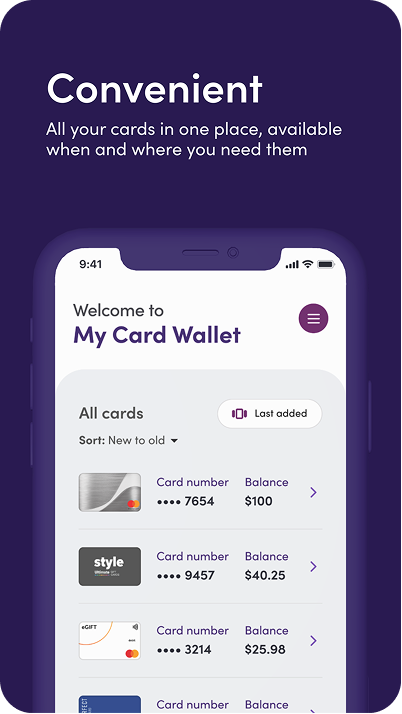
Yes. Digital eGift cards generally must be registered online before you can access your full card details and use the card.
You’ll usually receive an email containing a link (such as “Register Card”). Click that link and complete the registration form, including your name, telephone number and email address so that your details can be verified before making purchases.
Some programs may also require physical cards to be registered prior to use.
Registering your card provides several benefits:
- Enable online purchases – some websites require a billing address, and registration links your card to one.
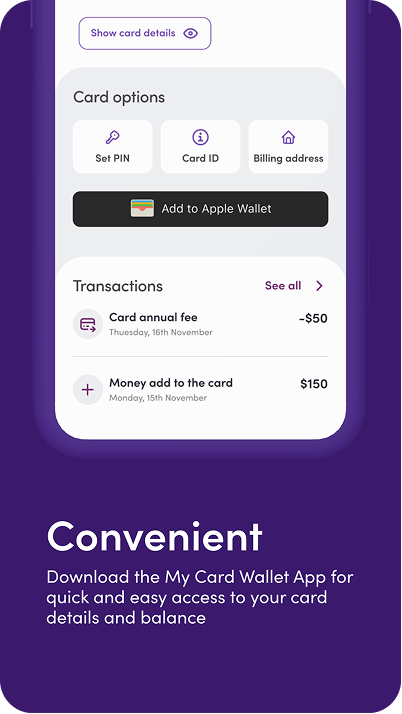
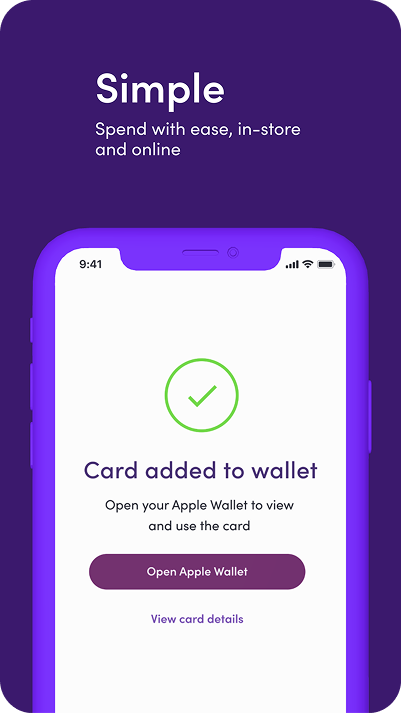
- Add your physical card to a mobile wallet – many wallet providers require a registered card before it can be added.
- Simplify refunds – helps ensure refunds on returned purchases can be correctly processed back to your card.
- Improve customer support – registered cards are easier to verify and service if you need help.
Mobile wallets have their own security rules and may limit or restrict certain cards from being added. If your eGift won’t add:
- Make sure your device operating system and wallet app are up to date.
- Confirm that your card has been registered, especially if it’s a physical card.
- Check that your card details (card number, expiry, CVV) and cardholder name match exactly what you registered.
- If it still doesn’t work, you can usually continue to use the card online by entering the card number, CVV and expiry date from the app, even if it can’t be added to the wallet.
- For persistent issues, contact your wallet provider (Apple, Google or Samsung) for further assistance.
To add your physical card to your mobile wallet (if supported):
- Open the Wallet app on your device.
- Tap the “+” icon.
- Select “Debit or Credit Card”.
- Enter your card details (card number, expiry date, CVV and name).
- Complete any additional verification steps requested by the wallet provider.
Note: Apple, Google and Samsung Wallets may limit the total number of cards you can store in a single wallet, and may block some cards for security reasons.
If you’re having trouble:
- Confirm your device OS and Wallet app are updated to the latest version.
- Double‑check your card details and the name you enter matches your registered details.
- Keep in mind that wallets have their own security systems and rules that may prevent some prepaid cards from being added, even if your device is compatible.
If problems persist, contact your wallet provider for support.
Do not throw away your physical card after adding it to your wallet. You’ll still need it to:
- Check your balance and review transaction history (you may need the card number and CVV).
- Shop online at merchants that don’t accept mobile wallets by entering the card details manually.
- Process refunds where merchants require the original card.
- Help dispute charges or verify your identity if you contact customer support.
If a contactless payment with your mobile wallet doesn’t work:
- Ensure your phone is awake and unlocked.
- Try holding your phone to the terminal in a different position (the NFC antenna may be at the top or middle of your device).
- Hold the phone closer to the payment reader and for a few more seconds.
- Confirm your card and wallet details are correct and that your card is active and funded.
If issues persist, contact the wallet provider directly.
Lost, stolen, damaged or expired Gift Cards cannot be replaced or refunded. Please refer to the terms and conditions.
There are several reasons a transaction may be declined, including:
- The merchant does not accept Mastercard prepaid gift cards as a payment method.
- The transaction value is greater than the card’s available balance.
- Some countries or merchants have limits or restrictions on accepting prepaid cards.
- The card hasn’t been activated, has expired, or has been suspended/closed due to suspected fraud or illegal activity.
- The card is damaged or the details were entered incorrectly.
- The merchant’s connection to the payment network is currently unavailable.
- The card is restricted for certain merchant categories only (for example, if you have a themed or category‑specific version).
If you notice suspicious transactions on your Gift Mastercard:
- Register your card (if not already done).
- Visit giftmastercard.com.au and go to the “Dispute a Transaction” or similar section.
- Complete the dispute form and provide all requested details.
Some merchants, such as hotels, restaurants and car rental companies, may authorise more than your bill to cover tips, incidentals or the final amount. The held amount won't be available until the merchant finalises the transaction, which can take several days or longer. Only the final amount is deducted from your balance. If the authorised amount is more than your available balance, the transaction may be declined.
Yes. Your card can't be used in countries or regions subject to sanctions, and merchants in some regions (including Europe, the Middle East and Africa) may not accept prepaid gift cards. See clause 14 of the Terms and Conditions.
If a merchant asks for the cardholder name, use the name you registered the card with, or “Gift Cardholder” if you haven't registered your card.
Your 4-digit PIN is under the scratch panel on the back of your card. Keep it secure and never share it with anyone.
No result
Manage Your eGift Card Anytime, Anywhere